FAQ
How do universities use digital signage across campus?
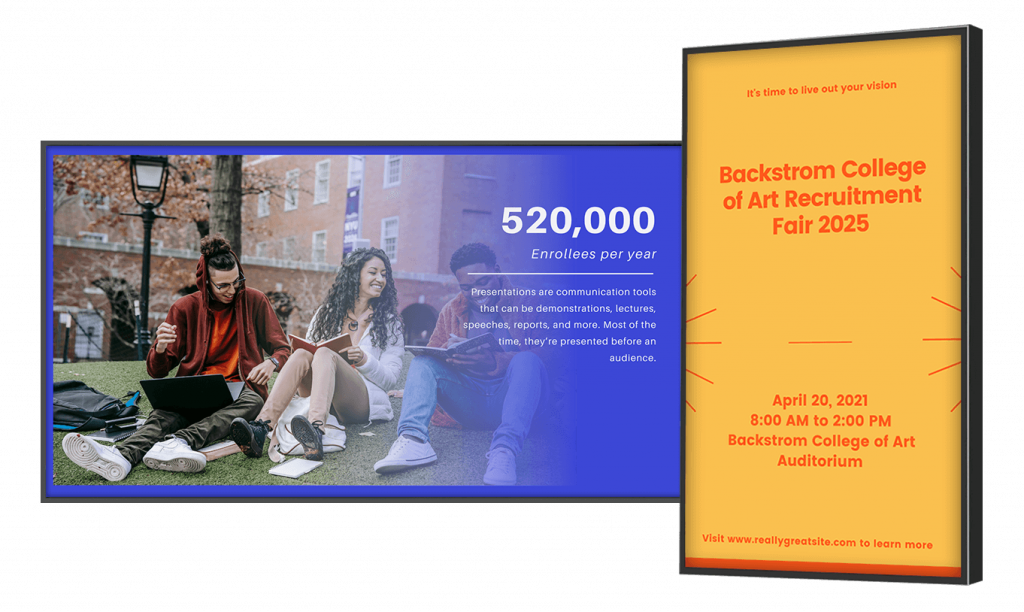
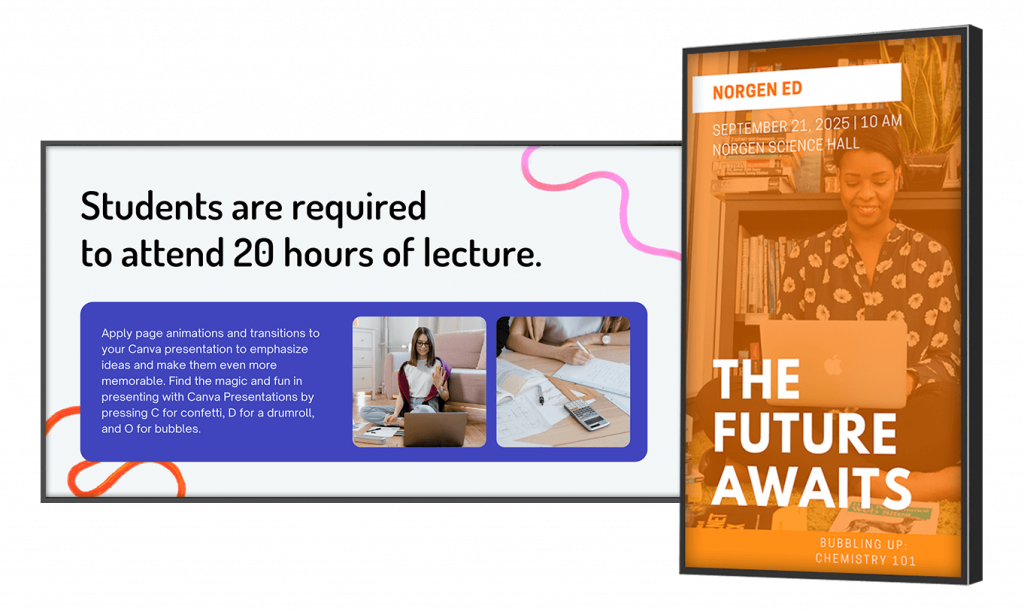
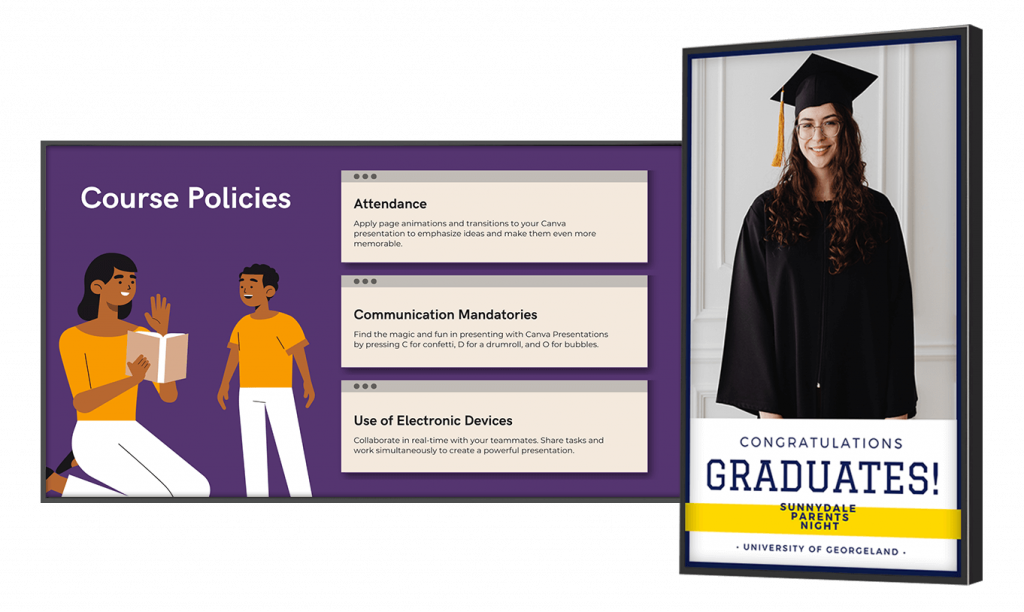
Universities use digital signage for campus wayfinding kiosks, lobby and room signage, cafeteria digital menu boards, per-department screens, and foyer video walls. Screens post updates and notifications, advertise events, and show real-time social media feeds to keep students and staff up to date on day-to-day campus operations.
Can university digital signage show emergency alerts?
Yes. A university can connect its campus alert system to NoviSign digital signage so screens display instant emergency notifications, such as building lockdowns, active shooter warnings, or severe weather alerts. On-demand broadcasting also covers time-sensitive updates like last-minute class schedule changes.
Can individual departments manage their own screens?
Yes. NoviSign’s enterprise-level management console lets a university create sub-users, assign licenses, and set per-user access privileges. Each department can run localized screens with its own targeted notifications, event listings, and media, while central administrators keep overall control.
Does NoviSign work with Canva, Google Slides, or SharePoint?
Yes. NoviSign integrates with Canva, Google Slides, SharePoint, and PosterMyWall. Link your account and pull slides and media directly into your signage, then send them to any campus screen within seconds – designers keep working in the tools they already know.
Is there special pricing for universities and colleges?
Yes. NoviSign offers special pricing for educational institutions, and universities can start with a free evaluation account – build content, connect a screen, and go live before purchasing. Contact info@novisign.com to ask about education pricing.
Is NoviSign FERPA-compliant for displaying student information?
NoviSign supports FERPA-safe signage workflows: a university controls exactly what appears on screens, so student names or photos are only published by authorized staff in line with your directory-information policy and opt-outs. NoviSign displays the content you choose; it does not collect or store student education records. (verify: no student data collected)
Does NoviSign complete the HECVAT or provide a security assessment?
NoviSign can provide security documentation to support a university’s vendor review, including the HECVAT (Higher Education Community Vendor Assessment Toolkit) on request. Because the platform manages screen content rather than student records, the data footprint is minimal, which simplifies IT and procurement review. (verify: HECVAT availability with sales/security)
Can NoviSign integrate with our campus emergency alert system?
Yes. NoviSign screens can display instant emergency notifications such as lockdowns, severe weather, and evacuation instructions, overriding regular content. Connected to your campus alert platform, screens add a visual layer that supports Clery Act emergency-notification requirements alongside text and siren alerts. (verify: which alert systems/CAP feeds are supported, name them)
Is NoviSign digital signage ADA-accessible?
University digital signage can be deployed in an ADA-conscious way: NoviSign gives you control over text size, contrast, and motion, and supports readability best practices. For interactive kiosks, ADA physical requirements (mounting height, reach, protrusion) are met through hardware placement. (add “VPAT available on request” only if true)
Can we control what appears in news and social media feeds?
Yes. You choose every feed source, preview content before it goes live, and can remove any feed from any screen instantly from the dashboard. Nothing appears on campus screens that staff haven’t approved. (verify: preview capability)